
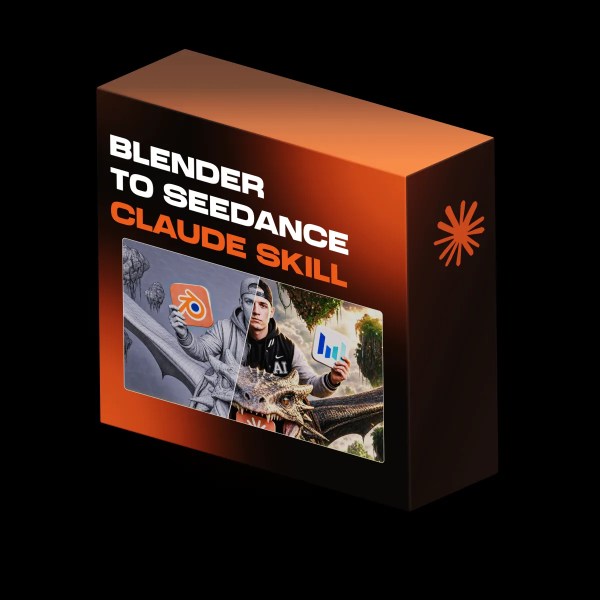
🎬 Describe a shot → Claude blocks it out in Blender, animates the camera, renders it, then writes the Seedance 2.5 prompt that keeps that exact move. Read more
Blender To Seedance Skill
$4.99
Product Description
Blender To Seedance Skill (Instant Download)
The Blender To Seedance Skill is a Claude Skill that turns a described shot into a real camera move. Claude blocks the scene out in Blender as grey low-poly geometry, animates the camera, checks the motion for collisions, renders a reference clip, then reads that clip back and writes the Seedance 2.5 prompt that keeps the move you designed. Once it is installed, Claude runs the whole job on autopilot: it builds the scene, animates and renders it, then writes the final video prompt and sends it straight to your connected generator.🔥 Product Features and Benefits
🎥 A Camera Move You Actually Control
Pick a push-in, an orbit, a crane reveal or a tracking follow, or describe your own move. It gets built on a real animated path with real keyframes, so the shot has weight and parallax instead of whatever a text prompt happens to land on.🧱 Grey Blockout, Physics Checked
Every scene starts as untextured low-poly geometry with the camera path drawn in, and nothing renders until the motion passes a collision check. Cars stay out of walls and the camera stays out of solid geometry, because a broken reference clip teaches the video model to generate broken footage.🎬 A Seedance Prompt That Keeps the Move
Claude reads its own render back and translates the camera path into cinematography language, then writes one copy-ready Seedance 2.5 prompt. The Blender clip carries the motion and framing, your first frame carries the look, and neither one overwrites the other.⚙️ What you need
- Claude with Skills enabled (Claude Code, Desktop or Web).
- Blender with the BlenderMCP addon running, so Claude can build, animate and render the scene for you.
- An OpenArt MCP or Higgsfield MCP connected to Claude. That connection is what actually renders the images and video.
- Credits on whichever of the two you connect.
- No coding. You install the skill and describe your shot.
📥 How to Use
- Download the Blender To Seedance Skill.
- Add it to your Claude project or upload it as a custom skill.
- Start from a reference image or a written scene, then pick the camera move.
- Let Claude build the blockout, animate the camera, validate the motion and render the reference clip.
- Paste the final Seedance 2.5 prompt with your clip and first frame to render the finished shot.