
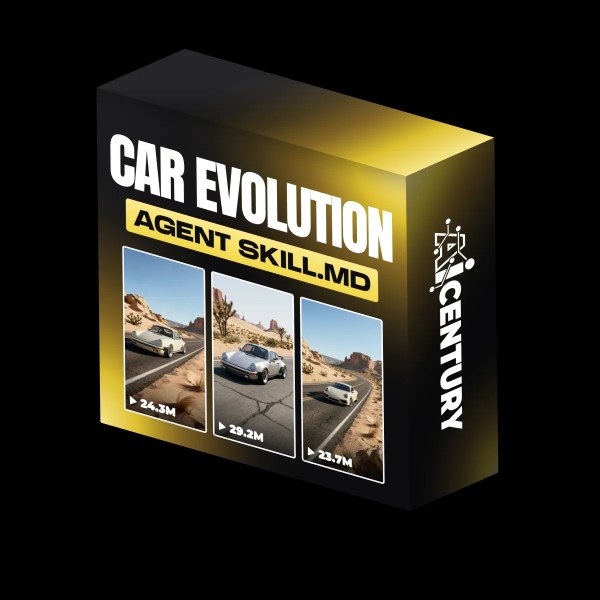
 FREE
🚗 Pick a highway and a classic car → get its full generation timeline, an image prompt for every model on the same road, and a video prompt that transforms one into the next. Read more
Product Description
Car Evolution (Instant Download)
Car Evolution is an agent skill for Claude, ChatGPT or any other AI chatbot that shows a car's whole history on one road, generation by generation. It writes cinematic highway prompts for the empty road, then, for the classic production car you pick, a timeline of every major generation, an image prompt that places each model into your highway image, and a video prompt that turns one model into the next as it drives. Once it is set up in your chatbot, it asks what you want to create first, lets you switch between highway prompts and car prompts at any time, and offers more after every set. Upload your own road photo and it writes a car-only prompt that keeps the background as it is.🔥 Product Features and Benefits
🛣️ One Road, One Continuous Drive
When each car is generated on its own, the road, the light and the camera jump around, or the background stays frozen while only the car changes. Here the first model is placed into your highway image with its angle, light and perspective matched, and every later model appears a moment later and further down the same road. Roadside objects shift, new rocks, trees and signs appear and distant landmarks move slightly, so the sequence feels like one car driving forward.📸 Highway Shots With A Locked Composition
Choose up to five locations, such as Coastal, Desert, Snowy Pass or Bridge Crossing, type your own, or give just one and let your chatbot fill in the rest, and you get five cinematic highway prompts. Each uses the same locked composition: a 24mm lens 1.2 metres up on the left shoulder, the road running from the bottom-left corner to a vanishing point on the right third, a level horizon and natural daylight.🔧 A Mechanical Transformation, Not A Morph
The video transition prompt animates from one frame to the next: the car keeps driving with its wheels turning while the chassis, wheels, hood, doors, roofline and headlights separate, slide, rotate and reassemble into the next generation. The camera stays fixed at a low front three-quarter angle, with no fades, no morphing, no glow and no particles.⚙️ What you need
- An AI chatbot: Claude, ChatGPT or any other.
- An AI image model that can edit an uploaded image, to place each car into your highway scene.
- A video model that animates from a start frame to an end frame, for the transitions.
- No coding, and nothing to install besides the skill.
📥 How to Use
- Download the Car Evolution skill.
- Add it to Claude, ChatGPT or any other AI chatbot you use.
- Choose Highway Scene Prompts, pick up to five locations and generate your empty road image.
- Switch to Car Evolution Prompts, pick a classic car and run its image prompts in order, starting from your road image.
- Use two neighbouring images as the start and end frames with the video transition prompt.