
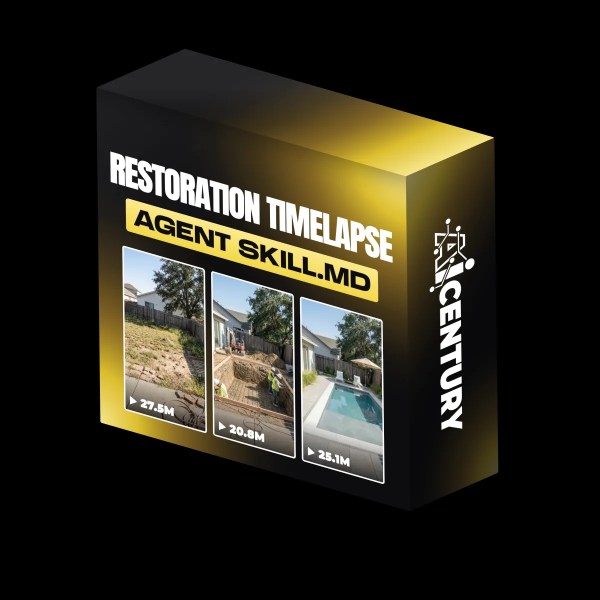
 FREE
🏗️ Pick a space or upload a picture of the finished result → get four image prompts and four timelapse video prompts that show the whole restoration step by step from one fixed camera. Read more
Product Description
Restoration Timelapse (Instant Download)
Restoration Timelapse is an agent skill for Claude, ChatGPT or any other AI chatbot that writes ultra-realistic, step-by-step transformation prompts for almost any space: rooms, facades, roads and driveways, gardens and pools, basements, abandoned properties or a custom-built table. Choose a space, or upload a picture of the finished result, and your chatbot writes four image prompts and four video prompts that take it from ruined to restored. Once it is set up in your chatbot, it plans the whole build: it picks the right work process for the niche, shows the correct workers, tools and machines, and gives you every prompt in a copy-ready block with a scene lock, stage, details and negatives.🔥 Product Features and Benefits
📷 One Camera, One Scene, Four Stages
Transformation sequences often fall apart because the camera angle shifts or a new door appears between stages. Every prompt here locks the same tripod spot, framing and lens feel, and keeps three to five fixed landmarks, such as doors, windows or a road's centre line, the same in every stage. There are no new doors or windows, no warped geometry and no text or logos.🖼️ Start From Your Final Picture
Upload a picture of the result you want and it becomes Image 4, the final target. Your chatbot reads its camera angle, lens feel, lighting and landmarks, then builds the before, construction and finished stages that lead to that exact frame. Without a picture, you choose from 10 spaces and answer three quick questions on vibe, must-have features and lighting.👷 Real Work In The Right Order
Each niche follows a real process: a road is cleared, milled, compacted, paved, rolled and striped, while an interior goes from demolition to drywall, flooring and staging. Workers in safety gear do the work by hand and with real machines, and nothing snaps into place. The last video ends with a smooth push-in on the finished result.⚙️ What you need
- An AI chatbot: Claude, ChatGPT or any other. To start from your own picture, use one that can read uploaded images.
- An AI image model, plus a video model with a frame-to-video option to animate between the images.
- Credits on whichever models you use.
- No coding, and nothing to install besides the skill.
📥 How to Use
- Download the Restoration Timelapse skill.
- Add it to Claude, ChatGPT or any other AI chatbot you use.
- Choose one of the 10 spaces, or upload a picture of the final result you want.
- If you chose a space, set the vibe, the must-include features and the lighting.
- Generate Images 1 to 4 first, then animate Videos 1 to 4 with your frame-to-video model.